Digital SAT Prep: Use Bluebook Tools Well
Start digital SAT prep by practicing Bluebook's timer, flags, notes, and reference sheet before test day with Northside Tutoring.
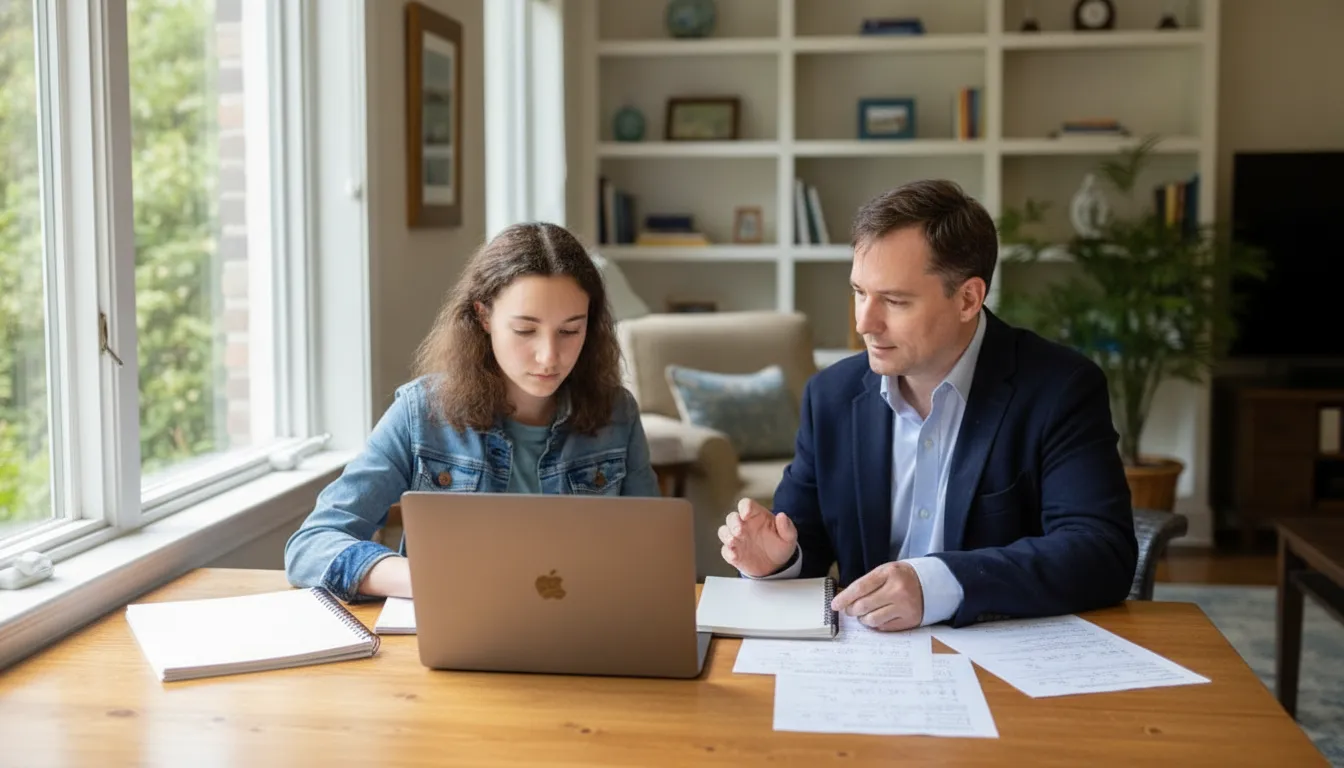
Digital SAT prep goes faster when your student already knows the tools on the screen. Bluebook includes a timer, flags, a question menu, and an option eliminator. It also includes highlights, notes, a line reader, zoom, a math reference sheet, and Desmos. The score gain does not come from clicking every icon. It comes from using one or two tools on purpose inside a single module.
Schedule a consultation about Digital SAT support
What should digital SAT prep practice in Bluebook?
Practice the tools in an official Bluebook practice test, not in a paper packet. The weekend SAT is administered in Bluebook, and these controls live on that screen. A printed booklet cannot reproduce the timer, the flag, or the formula sheet that appears beside each math question.
College Board lists the student tools on its Bluebook testing tools page. The list is short. A countdown timer can stay visible or stay hidden until five minutes remain. Students can highlight text, leave a note, cross out an answer, flag a question, and jump back through the question menu. Math questions include a reference sheet and a Desmos calculator that can be dragged on the screen. Zoom works with keyboard shortcuts on a laptop or with a pinch on a tablet.
That list is the practice target. Your student does not need a lecture on every button. Choose the two tools that match the misses you already see, then rehearse them on real Bluebook questions until the motion is automatic.
Which Bluebook tool fixes which problem?
Match the tool to the miss, then ignore the rest. A student who rereads the same line needs a different tool from a student who burns time on one hard item. Use this match before you add a new habit.
| What you notice | Tool to practice | What good use looks like |
|---|---|---|
| Time disappears on one hard item. | Mark for review, then the question menu. | Flag it and leave a guess. Return only if minutes remain. |
| Two answer choices both look possible. | Option eliminator. | Cross out choices that fail the passage or the setup. |
| The student loses the line in a short passage. | Line reader or highlight. | Mark the sentence that must be true. Then answer. |
| A formula is only half remembered. | Reference sheet. | Open the sheet for the formula. Finish the setup by hand. |
| Arithmetic is slow, but the setup is right. | Built-in Desmos calculator. | Graph or compute only after the equation is written. |
| The clock creates panic. | Testing timer, hidden until five minutes. | Check once at the midpoint. Check again when the alert appears. |
One warning belongs here. Tools do not replace reading the question. A highlight on the wrong sentence still produces the wrong answer. The tool only keeps the evidence in view.
How do you use the timer without watching it?
Hide the timer, then check it twice inside the module. College Board's help center says the countdown can be shown or hidden, and that it alerts the student when time is running out. Bluebook's own tool page is more specific: the clock can stay hidden until five minutes remain, and then an alert appears.
Staring at a moving clock rarely helps, because it pulls attention off the question in front of the student. A better digital SAT prep habit is a single midpoint check. In a Reading and Writing module, look up once after about question 14. In a Math module, look up once after about question 11. If more than half the time is already gone, the next hard item gets a flag and a guess, not a five-minute struggle.
The five-minute alert is the second check. That is the moment to open the question menu, finish anything still blank, and confirm every flagged item has an answer. There is no wrong-answer penalty, so a blank is the expensive choice. Our Digital SAT structure guide covers module layout and why you cannot return after a module ends. This page stays on the clock itself.
When should a student flag a question?
Flag a question when the next step is not obvious in about a minute. Mark for Review is a bookmark, not a promise that you will solve the item later. The question menu shows what you skipped or flagged and lets you jump inside the current module only.
Use this order:
- Read the question once and decide whether you can start a real setup.
- If you cannot, flag it, cross out anything clearly wrong, and select your best remaining guess.
- Move on. Do not leave the question blank.
- At the five-minute alert, open the question menu and revisit flags that still look solvable.
- If a flagged item still has no clear path, keep the guess and leave it.
The costly version of flagging is the second visit that turns into a rewrite. If the second look does not produce a new fact from the passage or a cleaner equation, the first guess should stand. That rule keeps the tool from consuming the time it was meant to save.
How should highlights and notes be used?
Highlight the proof, and write a note only when the proof is easy to lose. Bluebook lets a student highlight question text and leave a personal note. On a short Reading and Writing item, one highlight is usually enough. Mark the line that answers the question, not the whole paragraph.
Notes help on questions that ask for a relationship between two parts of a passage. A three-word note such as "claim, then example" can keep that relationship clear. A long note does the opposite. Typing a summary consumes the same seconds the student needed for the next item.
The line reader is the quieter option for students who skip lines. It shades surrounding text so one line stays in focus. It is useful during practice if your student misreads a short passage. It is a poor default if it slows a student who already reads cleanly. Try it on one module. Keep it only if accuracy goes up. Passage strategy beyond that highlight belongs in the Digital SAT reading strategies guide.
Zoom belongs in the same trial. Laptop users can zoom with keyboard shortcuts, and tablet users can pinch. Larger text helps when a figure or a dense sentence is hard to see. It hurts when the student zooms so far that the answer choices leave the screen. Set the zoom once during a practice module and leave it there.
What is the math reference sheet actually for?
Use the reference sheet to recall a formula, not to choose a method. College Board provides a reference sheet of common formulas with each math question. The sheet can remind a student of the geometry and algebra relationships the test expects. It will not identify which formula the question requires.
A clean habit looks like this. Write the relationship in words first: area, rate, or a right triangle. Then open the sheet and match that relationship to a formula. If no formula fits, the question is probably testing a setup the sheet does not contain, such as interpreting a graph or solving from a table. Close the sheet and go back to the question.
Students who open the sheet before they read the question tend to grab a familiar formula and force it. That is a tool problem, not a math problem. During digital SAT prep, ask your student to say the relationship out loud once before the click.
Where does Desmos fit, and where does it not?
Open Desmos after the equation exists. The built-in calculator is a Desmos graphing calculator, available on the whole Math section, and it can be dragged so it does not cover the question. Students may also bring an approved calculator. College Board's test-day checklist says Bluebook includes an embedded calculator, and an approved handheld calculator is still allowed.
Desmos is the right click for messy arithmetic, a graph, an intersection, or a check of an equation you already wrote. It is the wrong click when the student has not decided what the variable means. Graphing five random equations feels like progress and usually costs a minute. For the algebra moves around those graphs, use the Digital SAT math strategies guide rather than stretching this page into a math lesson.
This guide does not teach Desmos moves. Northside's calculator guide covers when mental math is faster and how to practice Desmos before test day. If calculator fluency is the main gap, send the student there and keep this page for the other tools.
What does a 25-minute tool drill look like?
One official module, one tool rule, and a five-line review. Add this drill twice a week during digital SAT prep. It is short enough to finish after school without replacing a full practice test.
Open Bluebook and start one timed module, either Reading and Writing or Math. Before the first question, state the rule out loud. Examples: "I will hide the timer," or "I will flag anything without a setup and leave a guess." Take the module under that rule only. Do not add a second new habit in the same sitting.
When the module ends, review five questions at most: two flags, two misses, and one question that felt slow but was correct. For each one, write the tool you used and whether it helped. A useful note is concrete. "The highlight marked the wrong sentence" is useful. "I need to focus more" is not.
Keep those notes in the same error log you already use for content misses. Our practice-test review guide shows how to sort a miss as content, reading, carelessness, or timing. Add a fifth label, "tool," when the click itself caused the miss. If the same tool shows up three times, that is the only tool you practice next week.
The 8-week SAT plan already tells you when to take full practice tests. Drop this 25-minute drill into the content weeks. Do not add it on top of a full test day. One timed sitting is enough. If you still need official question sets, start with free Digital SAT practice questions. A first diagnostic belongs in SAT prep for beginners.
Which tool habits are worth keeping?
Keep a tool only if accuracy or pace improves on the next module. New clicks feel productive even when they are not. Judge them with the next sitting, not with a feeling on the same night.
A habit is worth keeping when the student answers more flagged questions correctly on the second look, or finishes with fewer blanks. A habit should be dropped when the note-taking runs past a few words, the line reader slows a clean reader, or Desmos opens before the equation is written. Digital SAT prep is the place to retire those clicks. Test day is a bad time to experiment.
Robert's take: most students need two tools, not the full set of nine. The students who gain points from Bluebook usually hide the timer and flag a question only after a guess is already filled in. Everything else is optional until a practice module proves it helps.
If you want a second person to watch the clicks, SAT tutoring at Northside can put a tutor on the same screen. One-on-one test prep is $165 an hour. The 20-hour small-group cohort is $2,780, paid in full or in four monthly installments. Current prices and what is included are on the pricing page.
See how Northside SAT tutoring uses official practice
FAQ: Bluebook tools on the Digital SAT
Can you go back to a flagged question on the Digital SAT?
Yes, but only inside the module you are in. The question menu shows skipped and flagged items. When the module ends, those questions are gone. Flag early, leave a guess, and come back only if time remains.
Should the timer stay on the screen?
Not for most students. Hiding it until the five-minute alert cuts down clock watching. Check once around the midpoint of the module, then use the alert to finish blanks and flagged items.
Is the Desmos calculator allowed on every math question?
Yes. Bluebook's Desmos calculator is available for the entire Math section, and an approved personal calculator is also allowed. Open it after you have written an equation. The separate calculator guide covers when not to use it.
Do highlights and notes carry to the next module?
Treat them as tools for the question in front of you. Do not plan on a note helping later. Write only the few words you need to answer that item, then move on.
What if official tool details change?
College Board updates Bluebook. Before a test date, reopen the Bluebook tools page and take one short official module. Practice beats a screenshot from last year. For the broader prep choice around that practice, read Digital SAT prep: the new rules and the essential SAT prep guide.
Start with the tools your student already has
Digital SAT prep does not require a separate app for this skill. Bluebook already supplies the timer, the flag, the notes, the reference sheet, and Desmos. Choose two tools, practice them on one official module, and keep only the habit that improves the next set.
If you want help choosing the tools and the math or reading work that should sit beside them, bring a recent practice score to a consultation. We will look at the misses and tell you whether tutoring, a cohort, or another week of this drill is the better next step.
Ready to begin?
Start tutoring with Northside.